
Pliant
Claude connectorQuery and manage your Pliant corporate spend, cards, team, and accounting directly in Claude.
Pliant is a corporate card and spend management platform. Query and manage your Pliant data directly in Claude, within your existing Pliant permissions.
Key features:
- Spending: Explore transactions, account activity, and trends.
- Receipts: Find receipts and get your receipt-inbox address.
- Transactions: Comment, categorize, assign, and split.
- Accounting: Maintain suppliers, projects, categories, and VAT rates.
- Cards: Request cards, change limits, lock or unlock, approve requests.
- Members and teams: Invite and update members, organize teams and budgets.
Security: Claude only accesses data permitted by your Pliant role. Changes require your approval, and card requests and limit changes follow your organization's approval rules. The connector cannot transfer money or initiate payments.
- Tools
- 75
exposed by this connector
Movement
From our daily snapshots over the last 30 days.
Rank by popularity
Rank by trending score
Popularity score
Trending score
2 listing changes logged · latest Oct 31: Description, Tools. See what changed
In its category
How this connector compares with others in the same category. Positions are counted within the category, not across the whole directory.
Financial services326th of 1,169 by popularity · 445th of 509 by trending score
| # | Connector | Popularity | Trending | 7d |
|---|---|---|---|---|
| 324 | 8,180 | 17,559 #267 | 20places up | |
| 325 | 8,170 | 29,856 #96 | 24places down | |
| 326 | 8,155 | 8,429 #445 | — | |
| 327 | 8,140 | 15,218 #316 | 107places down | |
| 328 | 8,134 | 20,139 #218 | 119places down |
| # | Connector | Trending | Popularity | 7d |
|---|---|---|---|---|
| 443 |  Franchable | 8,453 | 5,833 #537 | — |
| 444 | 8,453 | 9,780 #225 | 175places down | |
| 445 | 8,429 | 8,155 #326 | — | |
| 446 | 8,342 | 9,172 #251 | 666places down | |
| 447 | 8,305 | 11,027 #173 | 115places down |
Screenshots

Example prompts
- “Break down our card spend over the last 90 days by category.”
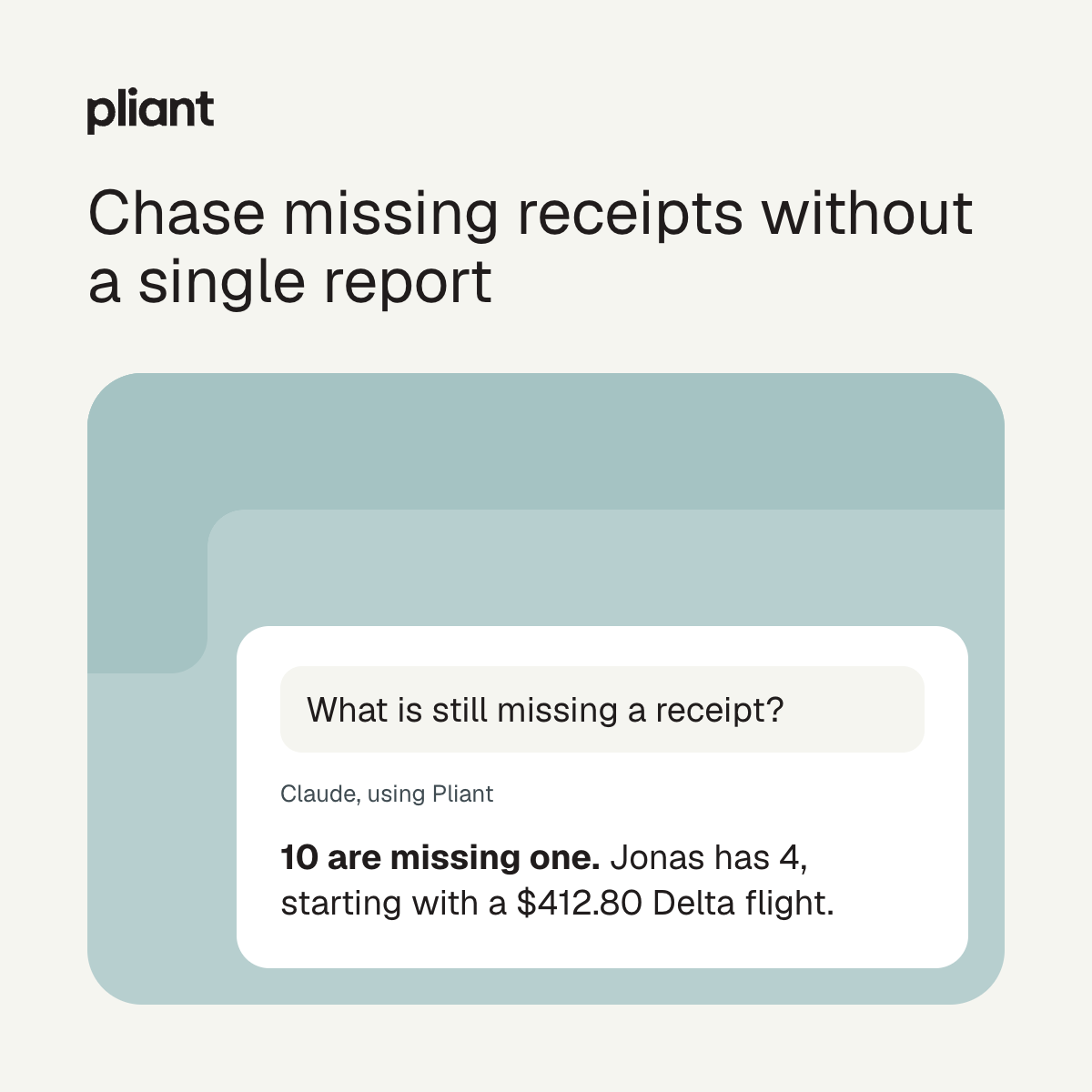
- “Which transactions are still missing a receipt, and who do they belong to?”
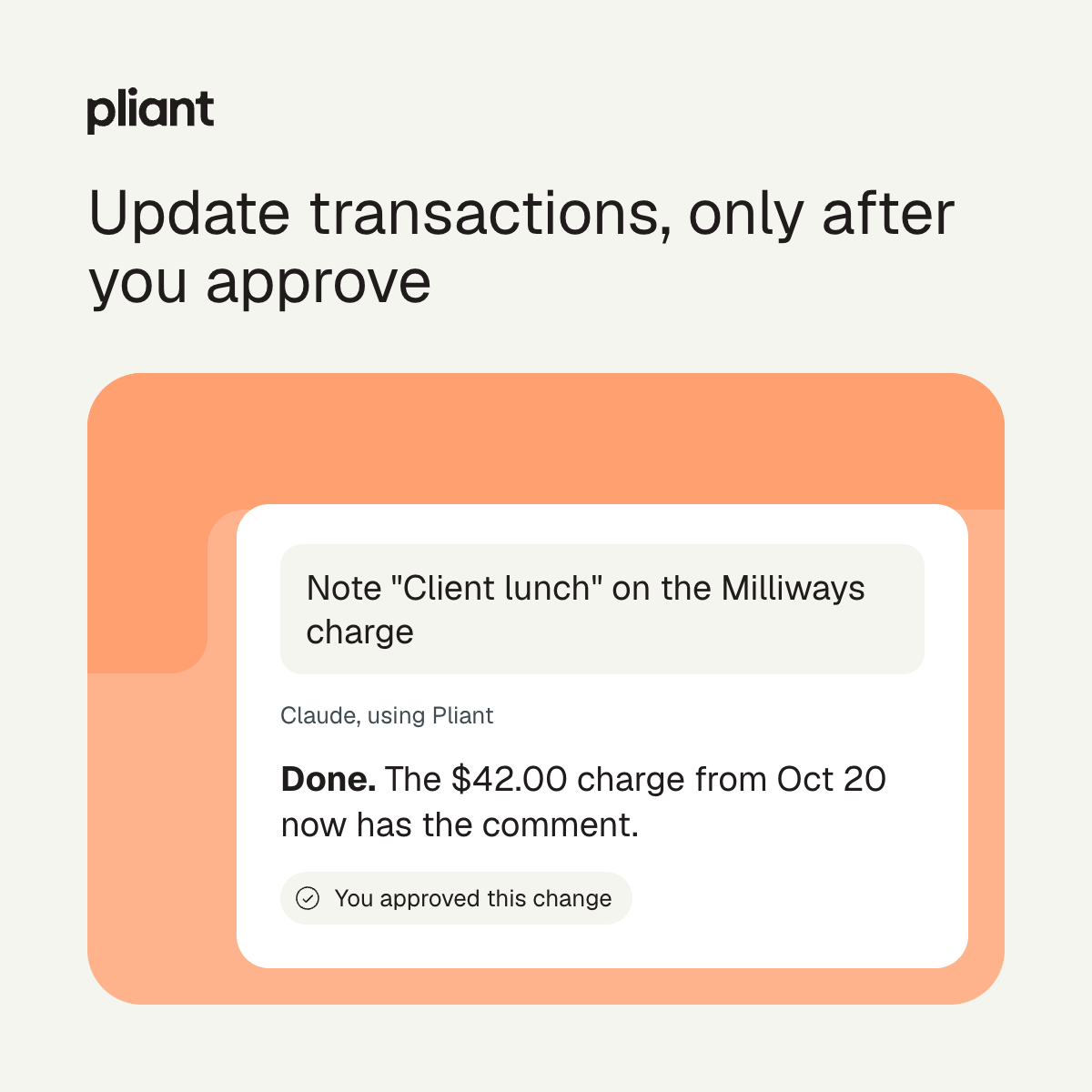
- “Add the comment "Client lunch" to our most recent restaurant transaction.”
Install
1. A Pliant admin activates the Pliant MCP module under Settings > Modules in Pliant.
2. In Claude, open Settings > Connectors, click Connect on Pliant, sign in with your Pliant account and allow access.
3. Sign in to Claude Code with the same Claude account. Pliant appears automatically. To check, run:

   claude mcp list

Look for "claude.ai Pliant" with the status Connected. Don't also add Pliant with claude mcp add, or it appears twice.
Tools
- activate_card
- add_team_members
- approve_card_request
- approve_limit_change_request
- assign_card_project
- assign_card_team
- claim_card_copilot
- code_transaction
- create_accounting_dimension
- create_team
- deactivate_member
- deactivate_team
- delete_accounting_dimension
- delete_teams
- demote_team_managers
- enroll_card_click_to_pay
- get_account_entry_details
- get_accounting_split
Show all 75Show fewer
- get_card
- get_card_controls
- get_card_request
- get_export_status_counts
- get_limit_change_request
- get_member_details
- get_merchant_spend_history
- get_organization_financials
- get_receipt
- get_receipt_inbox
- get_team_details
- get_top_spending_cards
- get_transaction_counts
- get_transaction_details
- invite_member
- list_account_entries
- list_accounting_dimensions
- list_card_additional_limits
- list_card_configs
- list_card_custom_fields
- list_card_requests
- list_cards
- list_issuance_members
- list_members
- list_merchants
- list_receipts
- list_teams
- list_transactions
- lock_card
- promote_team_managers
- reactivate_member
- reject_card_request
- reject_limit_change_request
- remove_team_members
- replace_card
- request_card
- request_card_additional_limit_change
- request_card_limit_change
- resend_invitation
- set_card_copilots
- set_card_custom_field
- spend_analysis
- split_transaction
- unenroll_card_click_to_pay
- unlock_card
- update_accounting_dimension
- update_card_controls
- update_card_design
- update_card_name
- update_card_purpose
- update_card_validity
- update_member_details
- update_member_email
- update_team_budget
- update_team_details
- update_team_permissions
- whoami
Prompts
- merchant-spend
- my-purchases-at
- limit-utilisation
- my-limit-status
- my-requests
- anomaly-scan
- duplicate-charges
- month-end-close
- member-spend
- cash-snapshot
- compliance-sweep
- pending-approvals
- my-missing-receipts
- my-spend
- understand-domain
- coding-gaps
- missing-receipts
- team-spend
- spend-review
- my-cards
- Categories
- Sign-in
- Required
- Connector URL
- https://mcp.getpliant.com/mcp
- Transport
- Streamable HTTP
- Permissions
- With your permission, this connector can read your Pliant organization's card transactions, account entries, spend reports, merchants, receipts, accounting settings, cards, members, teams, and basic company financials. It can also make changes you approve: coding and splitting transactions, updating cards (lock, rename, controls, limit requests), inviting or deactivating members, managing teams, and editing accounting settings. It only reaches data your Pliant role allows. It never returns full card numbers, CVVs, PINs, member phone numbers or full personal addresses, or bank and tax identifiers, and it cannot move money.
- Works with
- Claude, Claude Code, Claude Desktop
- Handles
- financial records
- payment card details (masked)
- receipts and invoices
- names
- email addresses
- postal addresses
- employee and organizational data
- accounting records
- Added
- September 10, 2026
- More info
- Sponsorship
- Promote this connector