
Trove App
Claude connectorCommunitySave, search and organize links
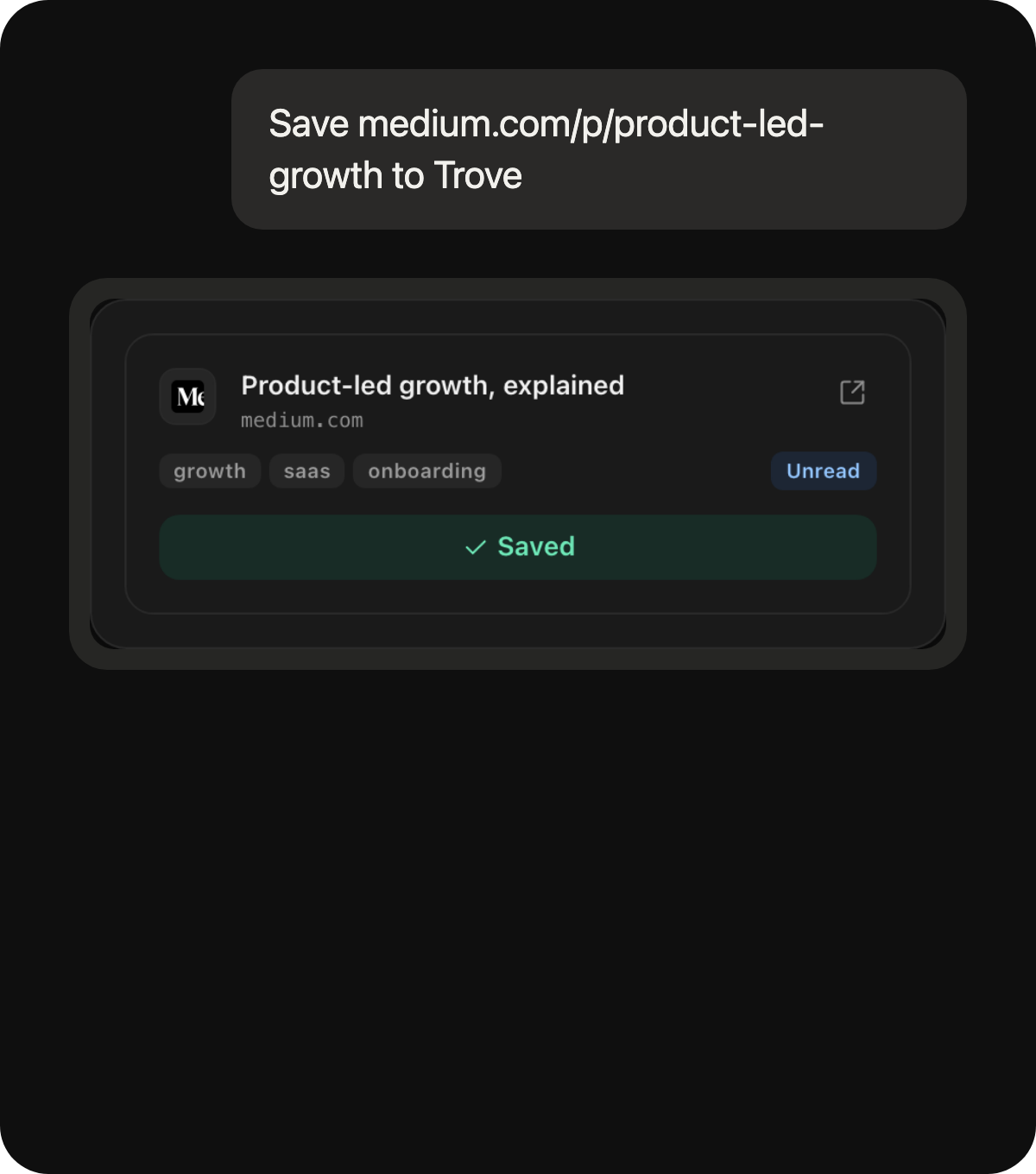
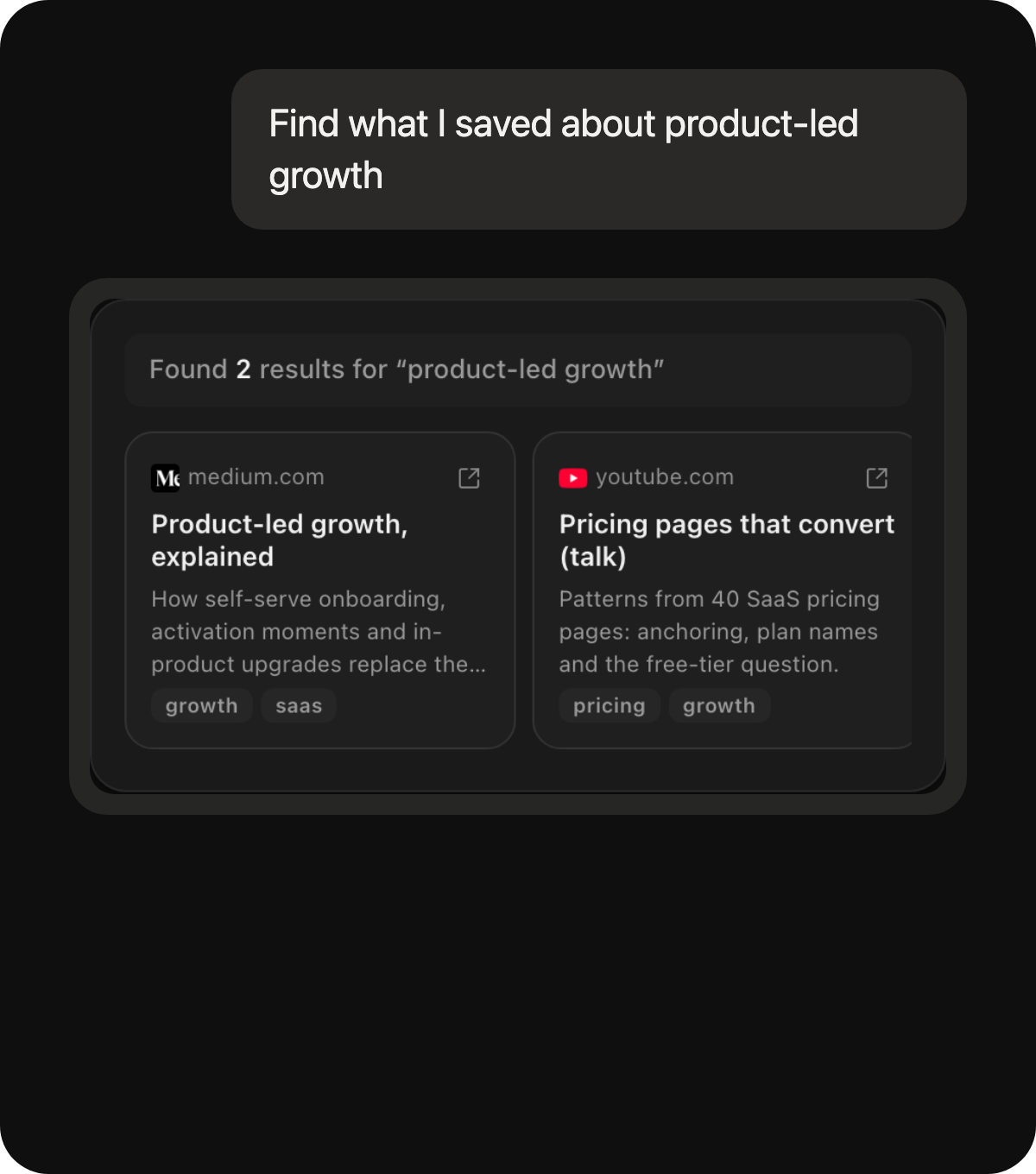
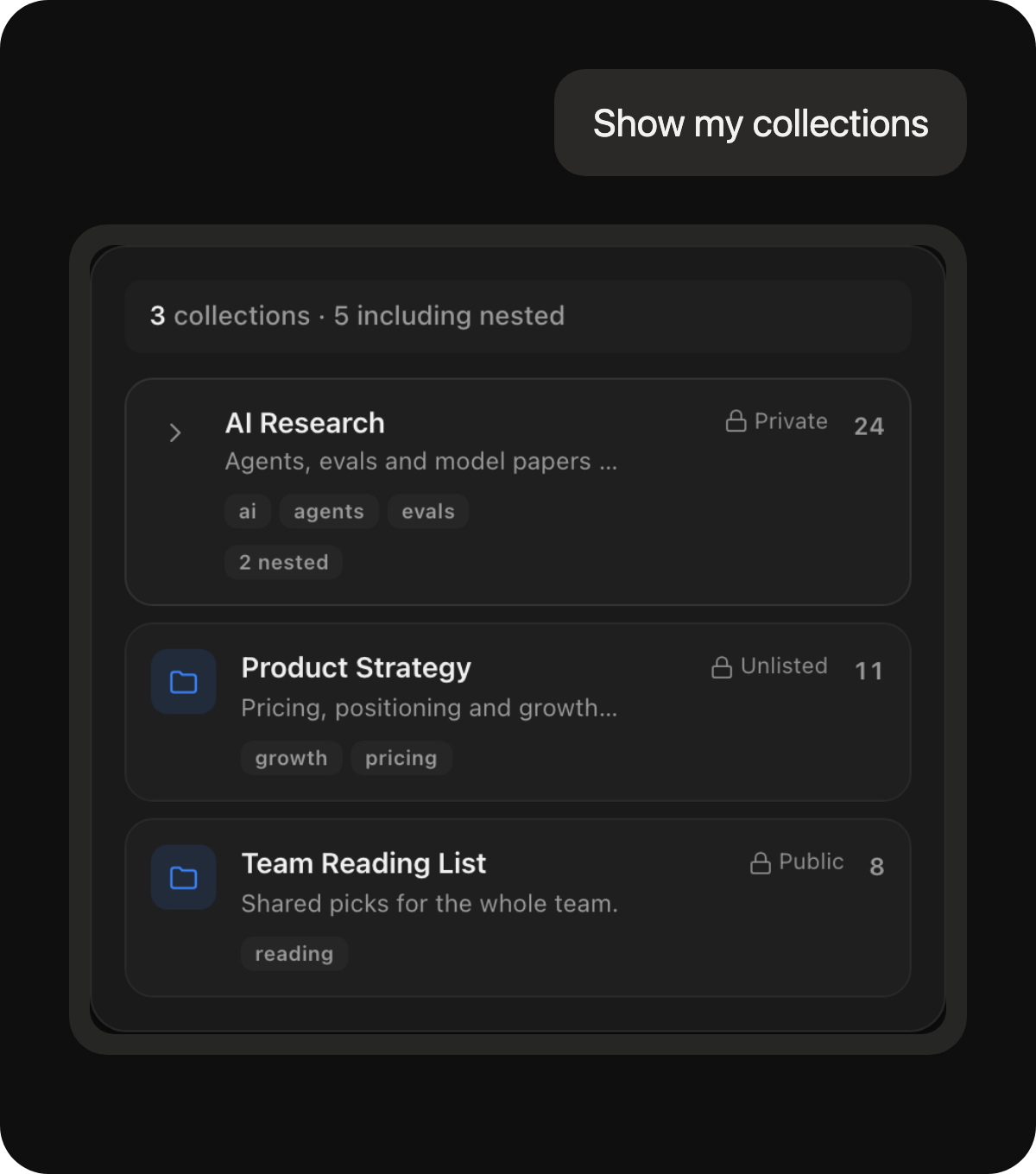
Trove is a private bookmark library you can use from Claude. Save links one at a time or up to 50 at once, and Trove summarises and tags each save in the background. Search your library by keyword or meaning, open the text Trove captured for any saved page, and work through a prioritised Catch Up reading queue. Organise saves into nested collections, add, move, copy or remove up to 50 bookmarks per call, see bookmark counts across collections, and update status, tags, titles and notes in bulk. Claude can also read a live public web page or a public GitHub README before you save it. Saves auto-synced from your socials by Trove's Social Sync Chrome extension are searchable here too. Results render as interactive cards in Claude, and the connector cannot delete bookmarks or collections.
- Tools
- 25
exposed by this connector
Movement
From our daily snapshots over the last 30 days.
Rank by popularity
Rank by trending score
Popularity score
Trending score
In its categories
How this connector compares with others in the same category. Positions are counted within the category, not across the whole directory.
Productivity3,884th of 4,685 by popularity · not ranked by trending score
| # | Connector | Popularity | Trending | 7d |
|---|---|---|---|---|
| 3882 |  TrafWise | 2,322 | — | 895places down |
| 3883 |  Treffas MCP | 2,322 | — | — |
| 3884 | 2,322 | — | — | |
| 3885 |  Tryz | 2,322 | — | — |
| 3886 |  TunnelHQ | 2,322 | — | 321places down |
This connector isn’t ranked by trending score, so the category’s top connectors are shown instead.
| # | Connector | Trending | Popularity | 7d |
|---|---|---|---|---|
| 1 |  Adspirer Social Ads | 56,189,368 | 13,885 #235 | — |
| 2 |  Intuit QuickBooks Labs | 21,833,766 | 12,069 #419 | — |
| 3 | 12,346,538 | 15,066 #157 | 0 | |
| 4 | 3,885,694 | 9,246 #865 | — | |
| 5 | 1,120,523 | 8,731 #980 | 17places up |
Other549th of 661 by popularity · not ranked by trending score



This connector isn’t ranked by trending score, so the category’s top connectors are shown instead.
| # | Connector | Trending | Popularity | 7d |
|---|---|---|---|---|
| 1 | 40,560,351 | 13,117 #21 | 0 | |
| 2 |  Tomorrow.io Weather MCP App | 5,325,789 | 12,799 #24 | 3places up |
| 3 |  Sketchy Medical | 950,408 | 9,899 #74 | 3places down |
| 4 | 687,926 | 14,625 #13 | 10places down | |
| 5 |  Tebar | 320,813 | 7,775 #152 | — |
Screenshots

Example prompts
- “Save medium.com/p/product-led-growth to Trove”
- “What’s in my Catch Up queue?”
- “Find what I saved about product-led growth”
- “Show my collections”
Install
claude mcp add --transport http trove https://customer.usetrove.app/mcp

Then run /mcp in Claude Code, choose trove, and sign in with your Trove account.
Tools
- assign_bookmark_collections
- assign_nested_collection
- bulk_assign_bookmarks_to_collection
- bulk_copy_bookmarks_to_collection
- bulk_create_nested_collections
- bulk_remove_bookmarks_from_collection
- bulk_save_bookmarks
- bulk_update_bookmarks
- copy_nested_collection
- create_collection
- create_nest_collection
- get_bookmark_details
- get_catch_up
- get_collection
- get_collection_summaries
- list_bookmarks
- list_collections
- list_tags
Show all 25Show fewer
- read_gitrepo
- read_url
- remove_bookmark_from_collection
- save_bookmark
- search_bookmarks
- search_in_collection
- update_bookmark
- Categories
- Made by
- Trove Intelligence Inc. · Website
- Sign-in
- Required
- Connector URL
- https://customer.usetrove.app/mcp
- Transport
- Streamable HTTP
- Permissions
- Reads and searches your Trove bookmarks, tags, notes and collections. Saves new bookmarks; changes their status, tags, title, note and Catch Up state; and creates and organises collections. It cannot delete bookmarks or collections, and it asks before making a collection more visible. On request it fetches public web pages and public GitHub READMEs. Access is limited to the signed-in user's own library.
- Works with
- Claude, Claude API, Claude Code, Claude Desktop
- Added
- October 3, 2026
- More info
- Sponsorship
- Promote this connector